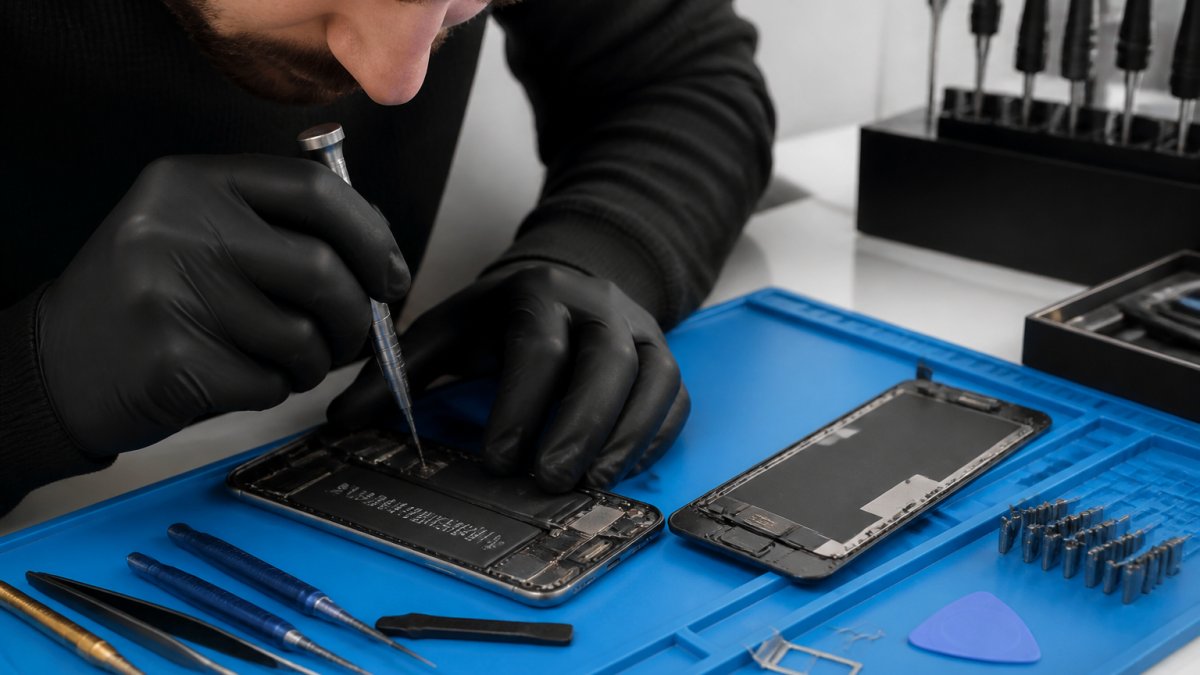
Table of Contents
- Start Here: A Safe, Ordered Troubleshooting Flow for Any Phone
- How to Fix a Phone That Won't Turn On
- Phone Not Charging Fix: Ports, Cables, and Batteries
- Water-Damaged Phone Repair: Immediate Steps and Limits
- Cracked Screens and Battery Health: When to Replace Parts
- Phone Repair Cost: What Affects Your Estimate
- When to Stop DIY and Call a Professional to Fix Phones
- Conclusion: Protecting Your Device After the Fix
- Frequently Asked Questions
Last Updated: October 7, 2026
Start Here: A Safe, Ordered Troubleshooting Flow for Any Phone
Most people try to fix phones in the worst possible order, downloading random apps or buying a new charger before checking the basics.
The smarter approach: work from the least invasive fix to the most invasive one, forced restart, physical damage check, charging, then parts.
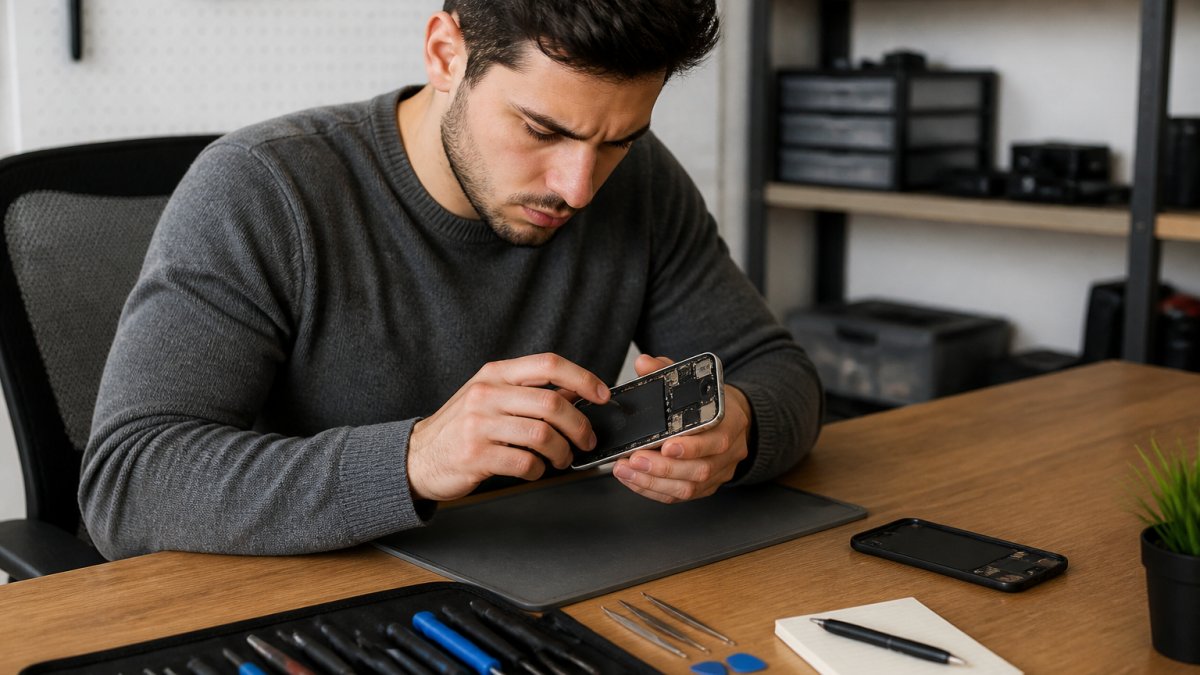
Here is the order we recommend for any phone that acts up:
- Forced restart (no data loss)
- Visual and liquid damage check
- Professional diagnosis
Perform a Forced Restart First
A forced restart clears temporary software glitches without erasing your data. It is the first thing to try on any frozen, black, or unresponsive phone.
The button combo depends on the model. On most modern iPhones, press volume up, then volume down, then hold the side button until the logo appears. On many Android and Samsung devices, hold power and volume down for about 10 to 15 seconds.
Check for Physical Damage and Liquid Contact
Look for cracked glass, dents, or a bent frame first. Even a small crack near a button or port lets in dust and moisture, which leads to bigger failures later.
Then check for liquid exposure. Most phones have an indicator inside the SIM tray slot that changes color when wet. Pink or red means liquid exposure, and DIY fixes become risky, water-damaged phone repair needs a technician, not a bag of rice.
How to Fix a Phone That Won't Turn On
A phone that will not turn on is usually one of two problems: no power reaching the device, or a failed display while the phone runs fine underneath.
Charge it for at least 30 minutes with a known-good cable and wall adapter, then try a forced restart while plugged in. If you hear sounds, feel vibrations, or get notifications but see no image, the phone is on and the screen is the issue, a screen repair, not a power problem.
Black Screen vs. No Power: Knowing the Difference
A black screen means the phone is running but the display shows nothing. A no-power state means the device is fully off and unresponsive.
Quick test: plug the phone into a computer. If it detects the phone, the screen is the fault. If nothing shows up, the problem is in the charging circuit or battery. That single test tells you which repair path to take.
Phone Not Charging Fix: Ports, Cables, and Batteries
A phone not charging fix starts with the cheapest cause: the cable. Try a different cable and wall adapter before assuming the worst.
If a new cable does not help, the problem is usually one of three things:
- A clogged charging port packed with lint
- A worn charging port that no longer grips the cable
- A battery that no longer holds a charge
Clean the Charging Port Safely
Power the phone off, then use a wooden or plastic toothpick to gently lift lint out of the port. Never use metal, and never push fluid into the opening.
Shine a light into the port. A bent pin or corrosion means a charging circuit problem that needs a technician, forcing a cable in can short the board and turn a small repair into a major one.
Water-Damaged Phone Repair: Immediate Steps and Limits
Water-damaged phone repair is time-sensitive, and the wrong first move ruins the phone. Power it off immediately and do not charge it. Charging a wet phone can short the board.
Dry the outside with a soft cloth and remove the SIM tray to let air in.
Rice does not work, it leaves starch dust inside and pulls out almost no moisture.
Cracked Screens and Battery Health: When to Replace Parts
A cracked screen is the most common repair we handle and the one people put off longest. That delay is a mistake: broken glass cuts fingers, and the exposed panel lets dust and moisture reach the internals.
Battery health is the other part worth watching. Most phones show a percentage in settings; below about 80%, you will notice faster drain, random shutdowns, and slower performance.
Phone Repair Cost: What Affects Your Estimate
Phone repair cost depends on the model, the part, and the labor involved. A screen for a common model costs less than one for a newer flagship, and water damage takes more time than a battery swap. Here is a framework we use to decide whether a repair is worth it.
Typical Out-the-Door Ranges
| Repair | Typical Range | Turnaround |
|---|---|---|
| Charging port replacement | $60-$120 | 1-2 hours |
| Battery replacement | $60-$120 | 30-60 minutes |
| Standard screen (LCD) | $80-$180 | 1-2 hours |
| OLED / flagship screen | $180-$400+ | 1-3 hours |
| Rear glass | $70-$200 | 1-3 hours |
| Water-damage cleaning | $100-$250 | 1-3 days |
| Data recovery attempt | $100-$500+ | 1-5 days |
A few things move you within those ranges:
- Part grade. Aftermarket parts cost less but may lack True Tone, auto-brightness, or full touch sensitivity. Original-grade or OEM pulls cost more and behave like the factory part.
- Model age. A screen for a phone released five years ago may be scarce and cost more than one for a current mid-range model.
- Multiple faults. A phone with a cracked screen and a dead charging port is two repairs, not one.
Repair vs. Replace: A Decision Framework
Repair usually wins when the phone is under three years old and only one part is broken. Replace makes more sense when the repair costs more than half the price of a comparable new device, or when several parts fail at once.
Run the phone through these four questions before you commit:
- Is the phone still receiving security updates? If the manufacturer has ended support, a repair buys you a device that will not get patches.
- Is the repair cost under half the replacement price? Above that line, a new device with a fresh battery and warranty is usually the better value.
- Is the fault isolated? One broken part is a repair. A cracked screen plus a weak battery plus a loose port is a replacement.
- Will the phone last another two years after the fix? If the answer is no, the repair is a stopgap, not a solution.
If you answer yes to all four, repair it. If you answer no to two or more, put the money toward a replacement.
Current manufacturer end-of-support timelines
What a Written Estimate Should Include
A trustworthy estimate lists the part grade, labor charge, turnaround time, and warranty terms in writing before work starts. It should also state whether the shop will attempt data recovery if the repair fails, and whether the diagnostic fee is credited toward the repair. If a shop will not put those items in writing, walk away.
We publish our pricing on our website so you can see estimates before you commit.
When to Stop DIY and Call a Professional to Fix Phones
Stop DIY the moment you see corrosion, a swollen battery, or a bent frame. A swollen battery is a fire risk, and no home fix is safe. Bent frames mean the board may be stressed, and prying further can crack it.
We recommend professional help when:
- The phone will not power on after a full charge
- You see liquid damage indicators
- The screen shows lines or dead zones
How to Verify a Repair Before You Pay
A repair is not finished when the phone turns on. Test these items at the counter, before you hand over a card:
- Touch across the whole screen. Open a drawing app and drag a finger to every corner. Dead zones often hide near edges.
- Check the display for uniformity. Open a solid white image and a solid black image. Look for bright spots, dark blotches, or a yellow tint.
- Test every button and the camera. Volume, power, mute switch, front and rear cameras, flash.
Post-Repair Prevention: Making the Fix Last
The best repair is the one you never need again. After any fix, use a tempered glass screen protector, a case with raised edges, and a cable that fits the port properly.
A few habits cut repeat repairs more than any accessory:
- Charge with the cable that came with the phone, or a certified replacement. Cheap cables stress the port and the charging IC.
- Never charge a phone that is wet or has been in a humid environment. Let it dry fully first.
- Avoid overnight charging on a hot surface. Heat is the biggest killer of battery health.
At Cell Phone Repair Lab, we use lab-grade precision and ESD-safe workstations to fix phones without risking the board. Every repair comes with a 90-day warranty, and we offer free pickup and drop-off within 25 miles.
Conclusion: Protecting Your Device After the Fix
The best repair is the one you never need again. After any fix, use a tempered glass screen protector, a case with raised edges, and a cable that fits the port properly.
If your phone needs more than a restart, the Cell Phone Repair Lab team can help. We offer same-day repair for many services, free pickup and drop-off within 25 miles, and a 90-day warranty on every repair. Get a quote today and get your device back to work.
Frequently Asked Questions
How much does it usually cost to fix a phone?
The phone repair cost varies widely based on the device model and the type of damage. Because pricing depends on parts availability and labor complexity, it is best to get a specific quote for your model. Cell Phone Repair Lab offers pricing on their website, so you can see estimates before committing.
Is it cheaper to fix a phone or replace it?
Repairing is often cheaper than replacing, especially if the device is less than two years old and the damage is isolated to one component like the screen or battery. Replacing makes more sense if the phone has multiple issues, is very old, or if the repair cost approaches the price of a new device. Always compare the repair quote against the cost of a comparable new or refurbished model.
Can a water-damaged phone be repaired?
Yes, water-damaged phone repair is possible, but success depends on how quickly you act and the extent of corrosion. Power off the device immediately and do not charge it. Bring it to a professional who can open it, clean the internal components with specialized solutions, and dry it properly. Attempting to turn it on or charge it while wet can cause short circuits that permanently destroy the motherboard.
How do I know if my phone battery needs to be replaced?
Common signs include the phone dying quickly, shutting down unexpectedly even when the battery indicator shows charge, or the back of the device feeling unusually hot during normal use. You can also check your battery health settings on most smartphones. If the maximum capacity has dropped significantly or you experience frequent random shutdowns, a battery replacement is likely needed to restore reliable performance.
A phone that fails at the wrong moment can cost you a client, a deal, or a day of work. Cell Phone Repair Lab fixes iPhones, Samsung Galaxy devices, Motorola phones, tablets, and laptops with lab-grade precision and quality parts. Every repair is backed by a 90-day warranty, and our free pickup and drop-off service covers a 25-mile radius so you never have to leave your desk. Get a quote from Cell Phone Repair Lab and get your device running again.