Table of Contents
- iPhone Screen Repair Time: What to Expect
- Typical Repair Duration by Provider Type
- Same-Day iPhone Screen Repair Options
- Mail-In iPhone Screen Repair Time and Process
- Factors That Affect Repair Duration
- What to Do Before iPhone Screen Repair
- iPhone Repair Status Tracking and Communication
- Frequently Asked Questions
Last Updated: October 9, 2026
iPhone Screen Repair Time: What to Expect
How long does iPhone screen repair take? It depends on where you go and what's broken. At Cell Phone Repair Lab, the timeline varies by provider and damage severity.
Same-day repair is possible at many locations; mail-in options take longer but offer convenience.
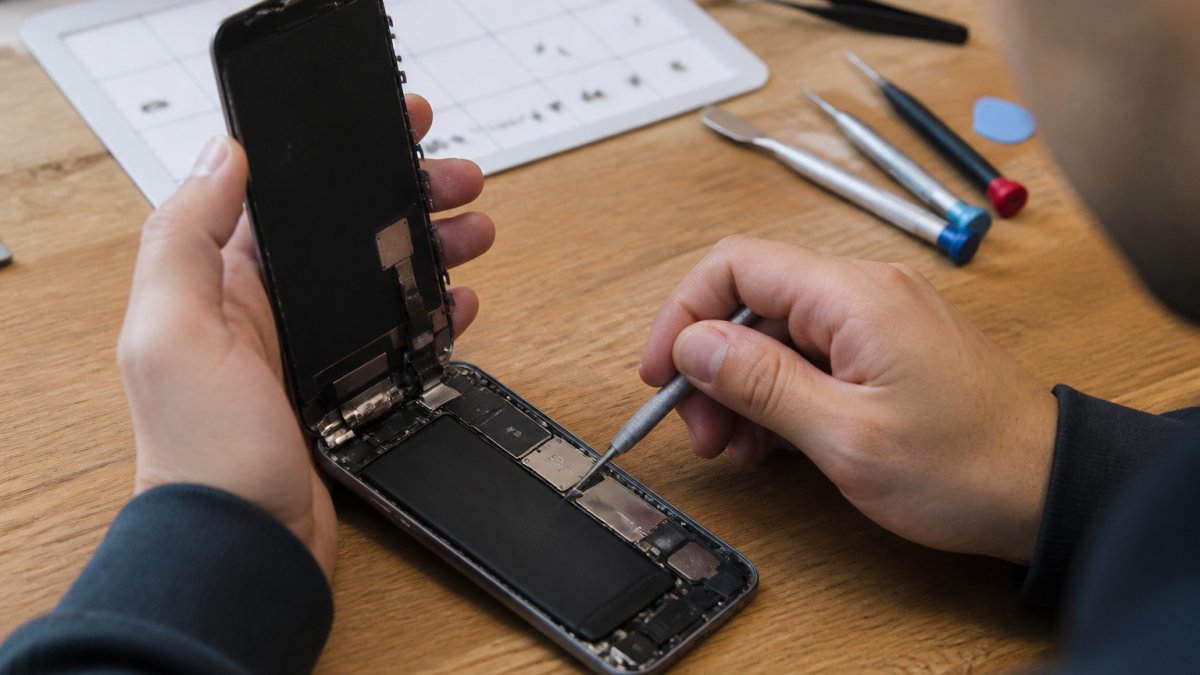
Hands-on iPhone screen replacement typically takes 30 minutes to 2 hours, but total turnaround also includes diagnostics, parts sourcing, and quality checks. Here's what to expect from each provider type.
Typical Repair Duration by Provider Type
Providers differ in workflow, parts availability, and staffing. The key distinction is between hands-on repair time (minutes a technician spends on your device) and total turnaround time (drop-off to pickup, including diagnostics, parts sourcing, queueing, and testing). Most estimates blur the two, which is why the same job ranges from "20 minutes" to "a week."
Here is how the four common repair routes compare:
| Repair route | Typical hands-on time | Typical total turnaround | What drives the difference |
|---|---|---|---|
| Apple Store (in-store) | 1-3 hours | Same day to several business days | Appointment backlog, in-store queue, extended diagnostics |
| Authorized service provider | 1-2 hours | Same day to 2-3 business days | Parts ordering, appointment availability |
| Independent repair shop | 30-60 minutes | 1-3 hours (walk-in) | Whether the screen is in stock, current workload |
| Mail-in service | 30-60 minutes | 5-10 business days | Outbound shipping, intake queue, return shipping |
| Self-repair (DIY kit) | 45 minutes to 2 hours | Same day, plus parts shipping | Skill level, tool quality, part lead time |
Apple Store in-store repair
Apple Stores offer genuine parts and manufacturer warranty coverage. Hands-on replacement runs 1-3 hours, but total turnaround depends on appointment availability; walk-ins often wait days or weeks in busy seasons. Extra diagnostics and calibration add time even when the swap is quick.
Authorized service providers
Authorized service providers are certified third-party businesses using genuine parts. Hands-on time is similar to Apple (1-2 hours), but total turnaround is same-day to 2-3 business days, often faster than Apple because queues are smaller.
Local repair shops
Local independent shops are usually fastest: 30-60 minutes hands-on, with total turnaround of 1-3 hours for walk-ins when the screen is in stock. Inventory and workload drive the timeline, shops that must order a part add days.
Mail-in service
Mail-in repair trades speed for convenience: hands-on work is 30-60 minutes, but shipping and intake push total turnaround to 5-10 business days. Best if you have a backup device.
Model-specific timing
Older models with simpler displays and widely stocked parts repair fastest. Newer models with advanced displays, integrated Face ID and True Depth components, and tighter tolerances need more careful handling, calibration, and testing. Parts availability matters too: a common current-generation screen may be on the shelf, while an older or less common model may need special ordering, adding 5-7 business days. Ask whether the screen for your model is in stock today.
Same-Day iPhone Screen Repair Options
Same-day iPhone screen repair is realistic with the right provider, the key is parts in stock and available technician capacity.
Local repair shops offer the fastest same-day options: with straightforward damage and your model's screen in inventory, repair takes 1-3 hours, and walk-in service means no scheduling delays.
Cell Phone Repair Lab offers free pickup and drop-off within 25 miles.
Some shops charge a rush fee for same-day turnaround, so ask about pricing when you call.
Call early in the day for the best chance of same-day completion; shops backed up by afternoon may not finish until the next day.
Mail-In iPhone Screen Repair Time and Process
Mail-in repair is convenient if you can't visit a local shop, but expect 5-10 business days from drop-off to return.
Here's how mail-in repair works:
- Shipping to the repair facility: 2-3 business days depending on your location
- Diagnostics and parts sourcing: 1 business day
- Hands-on repair time: 1-2 business days
- Quality testing and inspection: 1 business day
- Return shipping to you: 2-3 business days
The repair itself is quick (30-60 minutes), but shipping and processing add days. Mail-in makes sense if you have a backup device or can be without your phone for over a week.
Some mail-in services offer expedited options that cost more; standard service is cheapest but requires patience.
Factors That Affect Repair Duration
Several variables affect how long your specific iPhone screen repair takes.
Device model and screen type
Older models like the iPhone 8 have simpler screens that repair faster; newer models with advanced displays take longer.
Integrated components add complexity: Face ID sensors and True Depth cameras on newer models require careful handling, adding diagnostic and reassembly time.
Screen type matters too: LCD screens repair faster than OLED, which require more precise calibration after replacement.
Damage severity and complexity
A simple cracked screen is straightforward, but if the LCD or OLED panel underneath is damaged, technicians must remove glass and assess internal damage first.
Water damage complicates things further: liquid entering through the crack means cleaning internal components and testing for corrosion, adding hours.
Frame or housing damage also slows things down, since technicians must separate damaged parts without harming other components.
Parts availability and stock
Shops that keep screens in stock complete repairs much faster; those without inventory must order parts, adding days.
Older or less common models may require special ordering, extending repair time to 5-7 business days.
Appointment availability and walk-in demand
Busy shops have long appointment waits; evenings and weekends fill up quickly, and booking days ahead is common in peak periods.
Walk-in service depends on workload, if technicians are fully booked, you may wait hours before work begins.
Call ahead to ask about wait times and same-day availability; Tuesday mornings are typically quieter than Friday afternoons.
What to Do Before iPhone Screen Repair
Preparing your phone properly prevents delays and protects your data. The steps below cover before, during, and after the repair, including the account and calibration details that cause delays at the counter.
Before you hand over the phone
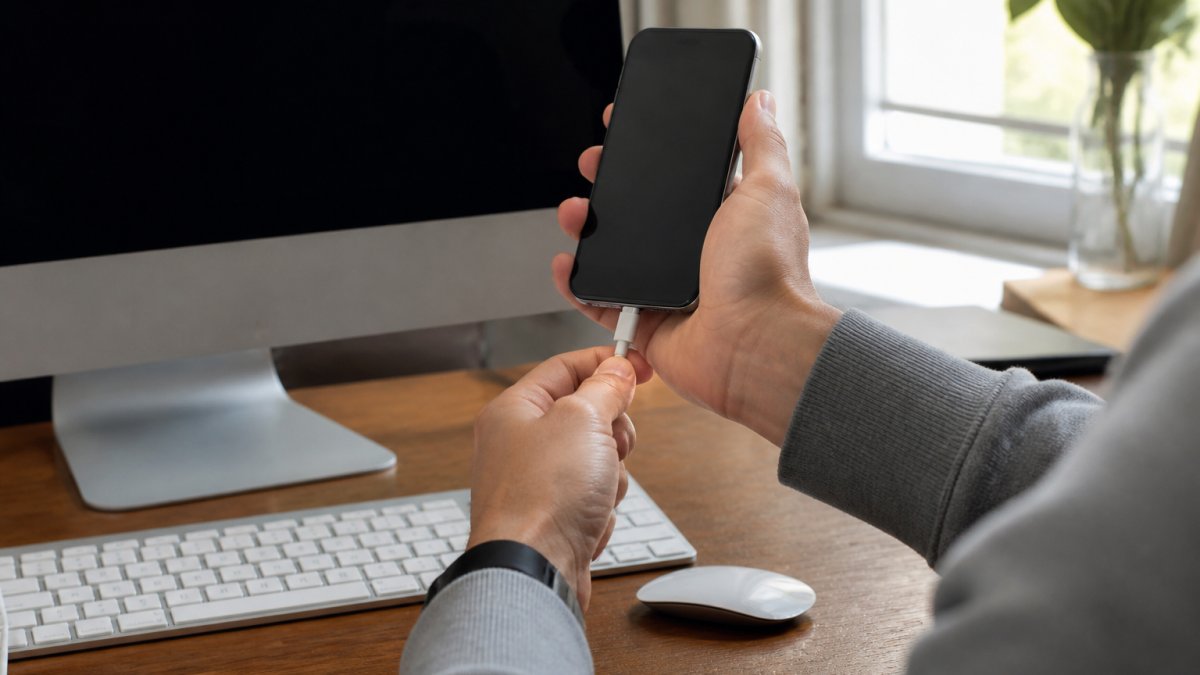
Back up your device. Use iCloud or a computer with Finder (macOS Catalina and later) or iTunes (older macOS and Windows) to protect photos, contacts, and personal data.
Know your Apple ID and passcode situation. Post-repair testing, display calibration, True Tone verification, touch testing, requires the phone unlocked and accessible, and some shops ask you to disable Activation Lock first. Walking in without the passcode or with Activation Lock enabled is a common cause of same-day repairs becoming next-day pickups.
Power off the iPhone and remove the case and screen protector to prevent accidental activation and give the technician a clean surface.
Remove the SIM card if your model uses a physical tray, optional, but it adds data security. Keep it safe.
Document the damage. Photograph the cracked screen from multiple angles to record its condition before repair.
Flag any other issues. If the phone runs hot or you suspect water exposure, say so, hidden damage like a bent frame, liquid intrusion, or a failing battery is a common reason a "30-minute" repair runs long.
What happens during the repair
Understanding the steps helps you interpret the estimate:
- Intake and diagnostics, the device is inspected, the model and damage are confirmed, and any hidden issues are noted.
- Disassembly, the old display assembly is separated from the frame, which is the most delicate step on newer models with adhesive-sealed displays.
- Display transfer and installation, on models where components like the earpiece speaker, proximity sensor, or True Depth module are paired to the original display, those parts are transferred to the new assembly.
- Calibration and testing, display calibration, True Tone, touch response, Face ID, and camera checks are run before the device is closed up.
- Final QC, a last pass confirms the seal, fit, and function.
Steps 1 and 4 are where most of the "extra" time lives. A repair that looks like a 30-minute swap is often a 60-90-minute job once diagnostics and testing are counted.
After the repair: what to check before you leave
Do a quick inspection at the counter rather than discovering problems at home:
- Touch response across the entire screen, including edges and corners.
- Display quality, no dead pixels, no discoloration, no bright spots.
- True Tone and brightness behavior, if your model supports them.
- Face ID (if applicable), confirm it still unlocks.
- Front camera and earpiece, confirm they work after the display transfer.
- Fit and seal, the screen should sit flush with no gaps or lifting.
Calibration, quality, and warranty
The fastest option is not automatically equivalent to a properly finished repair. A screen that is installed quickly but not calibrated can show inaccurate color, non-functional True Tone, or unreliable touch near the edges. Ask whether the shop calibrates the display and tests Face ID after installation, and confirm what the warranty covers, parts, labor, or both, and how long it runs. A written warranty and a clear testing process are better signals of quality than a low price or a fast promise.
iPhone Repair Status Tracking and Communication
Knowing when your repair will be ready reduces anxiety and lets you plan accordingly. Good repair shops keep you informed throughout the process.
Ask about status updates before you leave your phone. Will the shop call you when the repair is done? Do they send text messages or emails? Understanding their communication method prevents you from wondering about your device.
Many shops provide a receipt or work order with an estimated completion time. This gives you a realistic expectation. Same-day repairs typically have a specific pickup window, like "ready by 5 PM."
Mail-in services usually send tracking information for both outbound and return shipments. You can monitor your package's progress just like any other shipping.
Some repair facilities offer online status tracking. You enter your work order number to see current progress. This is especially common with larger service centers.
Don't hesitate to call and ask for an update. Reputable shops welcome customer questions. They understand that your phone is important to you.
Getting your iPhone screen repaired doesn't have to mean waiting weeks. The timeline depends on your chosen service provider and your phone's specific damage. At Cell Phone Repair Lab, we prioritize fast turnaround without compromising quality. We back every repair with a 90-day warranty. Whether you need emergency same-day service or prefer the convenience of pickup and drop-off, we handle iPhone screen repairs with lab-grade precision. Contact us for a quote and learn how quickly we can restore your device.
Frequently Asked Questions
How long does it take to replace an iPhone screen?
iPhone screen repair time ranges from 30 minutes to several days depending on where you go. In-store repair at an Apple Store or local repair shop typically takes 30 minutes to 2 hours for hands-on work. Mail-in repair takes 5-10 business days total, including shipping. Same-day service is available at many local providers if parts are in stock and demand is low.
Can an iPhone screen be repaired the same day?
Yes, same-day iPhone screen repair is possible at local repair shops and some Apple Store locations, depending on appointment availability and parts stock. Walk-in service may have longer wait times during peak hours. Many providers offer same-day service for common iPhone models when the replacement screen is available. Call ahead to confirm availability for your specific device model.
What should I do before my iPhone screen repair?
Back up your iPhone to iCloud or a computer before dropping it off. Note your passcode. Power off the device before handing it over. If you're using mail-in repair, include clear photos of the damage and any relevant information about how it occurred.
How long does mail-in iPhone screen repair take?
Mail-in screen repair typically takes 5-10 business days total, including shipping time to and from the repair facility. Actual repair time is usually 1-2 business days once your device arrives. Some providers offer expedited mail-in service that can reduce the timeline to 3-5 business days for an additional fee. Track your repair status online to see when your device ships back to you.