Table of Contents
- Can Water Damaged Phones Be Repaired?
- What to Do If Your Phone Gets Wet: First-Hour Response
- How Long to Let a Phone Dry After Getting Wet
- Signs of Water Damage in a Phone: What to Look For
- Why Rice Doesn't Work and What Actually Removes Moisture
- Water-Damaged Phone Repair Cost and When to Repair vs. Replace
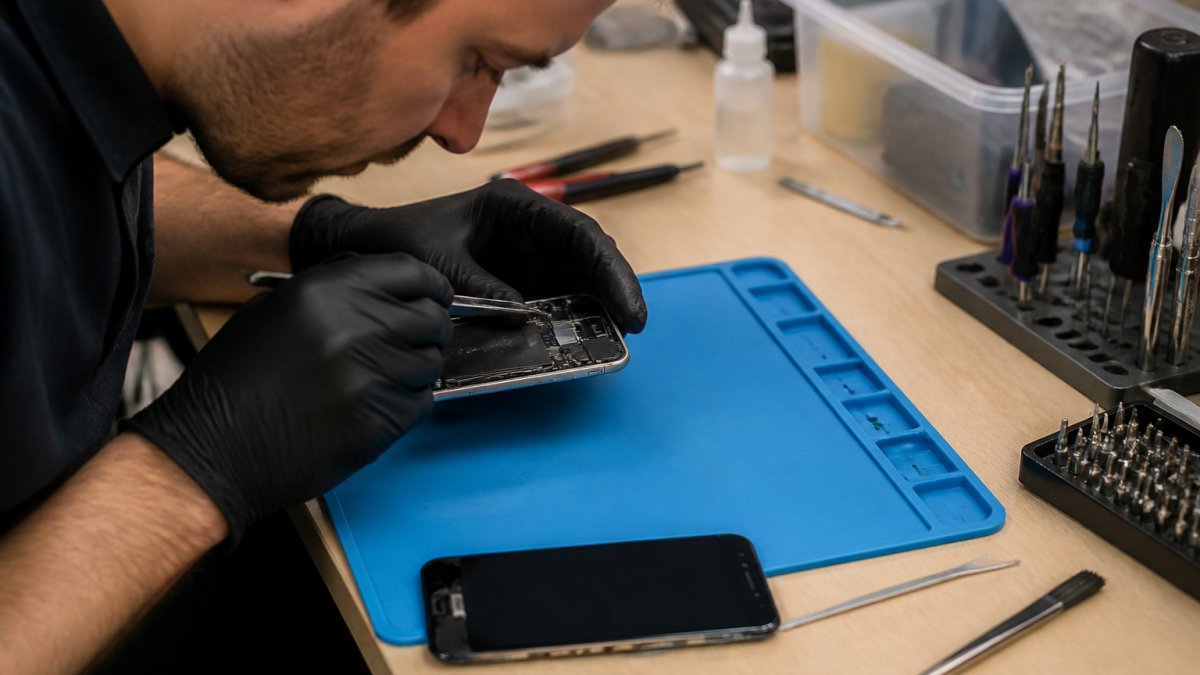
- Professional Water Damage Repair: What Technicians Do
- Frequently Asked Questions
Last Updated: October 11, 2026
Can Water Damaged Phones Be Repaired?
Yes, water-damaged phones can often be repaired, but whether can water damaged phone be repaired depends on how quickly you act and the extent of the damage. Water itself doesn't permanently destroy phones, corrosion and short circuits do.
A phone submerged in water for just a few minutes can sometimes be fully restored. But powering it on or charging it while wet risks permanent internal damage. The difference between survival and failure often comes down to what you do in the first hour.
Modern phones have some water resistance built in, but water resistance isn't waterproofing. Even rated water-resistant phones can fail if exposed to salt water, chlorinated pool water, or if the seal is compromised.
What to Do If Your Phone Gets Wet: First-Hour Response
Your first 60 minutes determine whether your phone survives. Here's exactly what to do.
Immediate steps:
- Power off the phone right now. Don't wait. Don't check if it still works.
- Remove the SIM card and any removable battery (if your phone has one).
- Dry the exterior with a soft cloth. Be gentle, don't rub aggressively.
- Leave the charging port and headphone jack alone. Don't try to dry them.
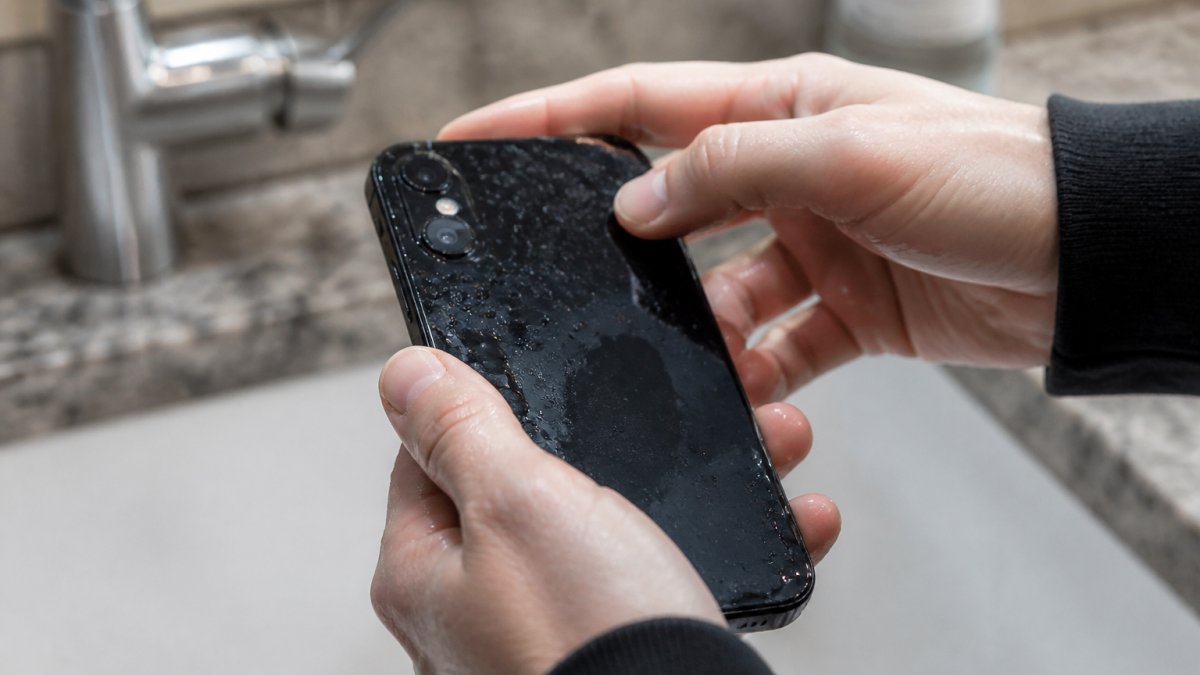
Do not charge, plug in headphones, or connect to a computer. Any attempt to power it on or charge it while moisture is present creates a short circuit that destroys internal components.
If submerged in salt water or pool water, rinse the exterior gently with fresh water first, salt and chlorine accelerate corrosion far more than fresh water.
Place the phone in a warm, dry location with good air circulation. Avoid direct heat sources like hair dryers, which can damage the screen and push moisture deeper inside.
How Long to Let a Phone Dry After Getting Wet
Most phones need 48 to 72 hours of air drying before you can safely power them on, the minimum time for internal moisture to evaporate.
The timeline depends on how much water got inside:
- Light splash or brief submersion: 48 hours minimum
- Full submersion for 30+ seconds: 72 hours minimum
- Saltwater or pool water exposure: 72 hours minimum, or professional cleaning
Waiting longer is always safer. The longer you wait, the better your chances of the phone powering on without problems.
During drying, keep the phone in a room with low humidity. Avoid bathrooms after showers. A bedroom with a dehumidifier is ideal.
Do not open the phone yourself. Opening it without proper tools and a controlled environment introduces dust and damages delicate ribbon cables.
Signs of Water Damage in a Phone: What to Look For
Immediate visual indicators (check before powering on):
- Liquid in the camera lens: If you see fogging, water droplets, or a hazy film inside the camera glass, moisture has penetrated the sealed camera module. Do not power on the phone; take it to a technician.
- Corrosion around the charging port: Look for green, white, or blue-green deposits around the metal contacts inside the charging port. This indicates mineral buildup from water exposure and means internal corrosion has likely begun.
- Liquid under the screen or around edges: If you see water droplets, condensation, or discoloration between the screen and frame, moisture is trapped inside the phone's housing.
- Liquid damage indicator: Most phones have a small sticker (usually white, blue, or silver) inside the SIM card slot or under the battery. When exposed to moisture, it turns red or pink. If it's red, do not power on the phone.
- Visible corrosion on the SIM card or battery contacts: Remove the SIM card and look at its metal contacts. If they show discoloration or corrosion, the phone's internal contacts are likely corroded too.
If you see any of these, do not power on the phone. Powering it on with visible moisture or corrosion will cause immediate short circuits and permanent damage to the logic board. Take it to a professional repair technician instead.
If the phone looks dry and the damage indicator is white or blue, you can attempt to power it on. Hold the power button for 10 seconds. If it vibrates and the screen lights up, that's an immediate positive sign.
Delayed failure symptoms (appear days or weeks after water exposure):
Even if your phone powers on immediately after drying, water damage can manifest gradually as corrosion spreads internally. Watch for these warning signs over the following weeks:
- Charging problems: The phone charges slowly, won't charge past 80%, or charges only when the cable is held at a certain angle. This indicates corrosion on the charging circuit or battery connector contacts.
- Screen or touchscreen issues: The display flickers, shows discolored patches, or the touchscreen becomes unresponsive in certain areas. Water trapped behind the screen or corrosion on the display connector causes these problems.
- Speaker or microphone faults: The speaker sounds muffled, cuts out during calls, or produces crackling sounds. The microphone doesn't pick up your voice, or callers say they can't hear you. These are among the most common delayed failures because speaker and microphone ports are exposed to moisture.
- Battery drain: The battery drains much faster than normal, even after drying. Corrosion on the battery connector or power management circuit causes the phone to draw excess power.
- Intermittent power-offs: The phone randomly shuts down or restarts, even when the battery shows adequate charge. This indicates a failing power management circuit or loose internal connections caused by corrosion.
- Overheating: The phone becomes hot during normal use or while charging. Water damage to the power circuit or battery can cause the phone to draw excessive current, generating heat.
- Bluetooth, Wi-Fi, or cellular connectivity loss: The phone loses signal, won't connect to Wi-Fi, or Bluetooth stops working. Water damage to the antenna or wireless module causes these failures.
Why delayed failures happen:
Minerals in water (especially saltwater or pool water) leave deposits on circuit board traces and contacts. Over days or weeks, these deposits corrode the metal, increasing electrical resistance until the connection fails or causes a short circuit.
What to do if delayed symptoms appear:
If your phone develops any of these symptoms within 2-4 weeks of water exposure, stop attempting to use it and take it to a repair technician immediately.
If the phone still holds important data and won't power on, mention this to the technician, they may be able to recover your files even if the phone cannot be repaired to working condition.
Why Rice Doesn't Work and What Actually Removes Moisture
The rice method is a myth. Rice absorbs surface moisture but cannot reach internal components where water causes damage. Worse, rice dust can get into the charging port and speaker, creating new problems.
What actually works:
- Air drying in a warm, dry location for light to moderate water exposure
- Silica gel packets absorb moisture more effectively than rice but cannot reach internal components. Use as a supplement to air drying, not a replacement.
- Professional cleaning and drying uses ultrasonic cleaners and drying chambers to remove moisture far faster than waiting
If you have silica gel packets at home, place the phone in a sealed container with them for 24 to 48 hours. There is no shortcut, the phone needs time to dry. Professional shops can speed this up with proper equipment, but cannot instantly remove all internal moisture.
Water-Damaged Phone Repair Cost and When to Repair vs. Replace
Repair cost varies widely based on damage extent, phone model, and parts affected.
Repair cost ranges by damage scenario:
Light water exposure: If the phone powers on after drying with only minor issues (muffled speaker, slow touchscreen), repair involves cleaning the logic board and replacing the battery. Cost: Pricing is available on our website.
Moderate water exposure: Disassembly, cleaning with isopropyl alcohol, and possible charging circuit or battery connector replacement. Cost: $150-$300. Success depends on whether corrosion damaged the logic board irreversibly.
Severe water exposure: Saltwater and chlorinated water accelerate corrosion dramatically. If the logic board shows green or white deposits, component replacement may be necessary. Cost: $300-$500+. Repair cost often approaches or exceeds replacement phone prices.
Decision framework: repair or replace
Use these factors to decide:
- Phone age and original cost: If more than 4 years old or originally under $400, replacement is usually more economical. Flagship models under 2 years old justify repair.
- Data on the device: Irreplaceable photos or files not backed up make repair more valuable even at high cost.
- Repair cost vs. replacement cost: If repair exceeds 60% of a used replacement phone's price, replace instead.
- Warranty implications: Manufacturer warranties exclude liquid damage. Cell Phone Repair Lab offers a 90-day warranty on every repair.
- Symptom severity: Speaker or microphone damage is low-risk and inexpensive. Corroded charging ports or phones that won't power on are more complex and carry higher failure risk.
Important: water-resistance ratings do not guarantee coverage
IP ratings (e.g., IP67 or IP68) indicate water resistance but have limits. IP67 means 1 meter of fresh water for 30 minutes only, saltwater, pool water, or deeper submersion voids protection. Seals degrade over time.
Before committing to repair, ask the technician for a written diagnostic report that lists which components are damaged and which can be salvaged. This gives you a clear picture of cost and success likelihood.
Professional Water Damage Repair: What Technicians Do
Professional technicians follow a systematic process during water damage service:
Step 1: Diagnostic assessment examines the phone for visible moisture, corrosion, and damage indicators.
Step 2: Disassembly carefully removes the screen, battery, and internal components using specialized tools.
Step 3: Cleaning removes corrosion and mineral deposits with isopropyl alcohol or specialized solutions. Ultrasonic equipment reaches tight spaces.
Step 4: Inspection checks the logic board, charging circuit, and battery contacts for corrosion damage. Severe corrosion may require component replacement.
Step 5: Drying uses a drying chamber with heat and airflow to remove moisture far faster than air drying.
Step 6: Testing and reassembly tests individual components before careful reassembly and full function testing.
This process takes time. Rushing increases the risk that moisture remains and causes later problems.
Understanding whether can water damaged phone be repaired means knowing that water damage doesn't mean your phone is permanently broken. Quick action and proper drying give you a real chance of recovery. We have the tools and experience to clean internal components, replace damaged parts, and restore phones. Get a quote today, and let us show you whether your phone can be saved.
Frequently Asked Questions
What should you do immediately after your phone gets wet?
Power off the device immediately to prevent short circuits. Remove the SIM card if possible. Gently pat the phone dry with a soft cloth and place it in a dry environment away from direct heat or sunlight. Do not attempt to charge it or use it. The first hour is critical, avoid opening the device or inserting anything into charging ports. If your phone was exposed to salt water or pool water, the damage risk is higher than fresh water exposure.
How long should you wait before turning on a wet phone?
Wait at least 48 to 72 hours before powering on a water-damaged phone. This drying period allows internal moisture to evaporate and reduces the risk of corrosion and short circuits. If the phone was submerged in standing water or salt water, extend the waiting period to 5-7 days. Turning on the device too soon can cause permanent damage to the logic board and charging circuit, even if the phone appears dry on the surface.
Can a phone repair shop fix water damage?
Yes, professional repair technicians can often fix water-damaged phones, especially if damage is caught early. Technicians use specialized equipment to disassemble the device, clean corroded components, and replace damaged parts like the charging circuit or battery. Success depends on exposure time, liquid type, and how quickly the phone was dried. Repair shops can also recover photos and files from the device before replacement, protecting your data even if the phone cannot be fully restored.
Is it better to repair or replace a water-damaged phone?
The decision depends on the phone's age, the extent of damage, and repair costs. If your phone is relatively new and damage is limited to the battery or charging port, repair is often cost-effective. Older devices or those with logic board damage may cost more to repair than a refurbished replacement. Professional repair shops can provide a repair estimate and success likelihood based on damage assessment, helping you make an informed choice about whether repair or replacement makes financial sense.